📘 Introduction
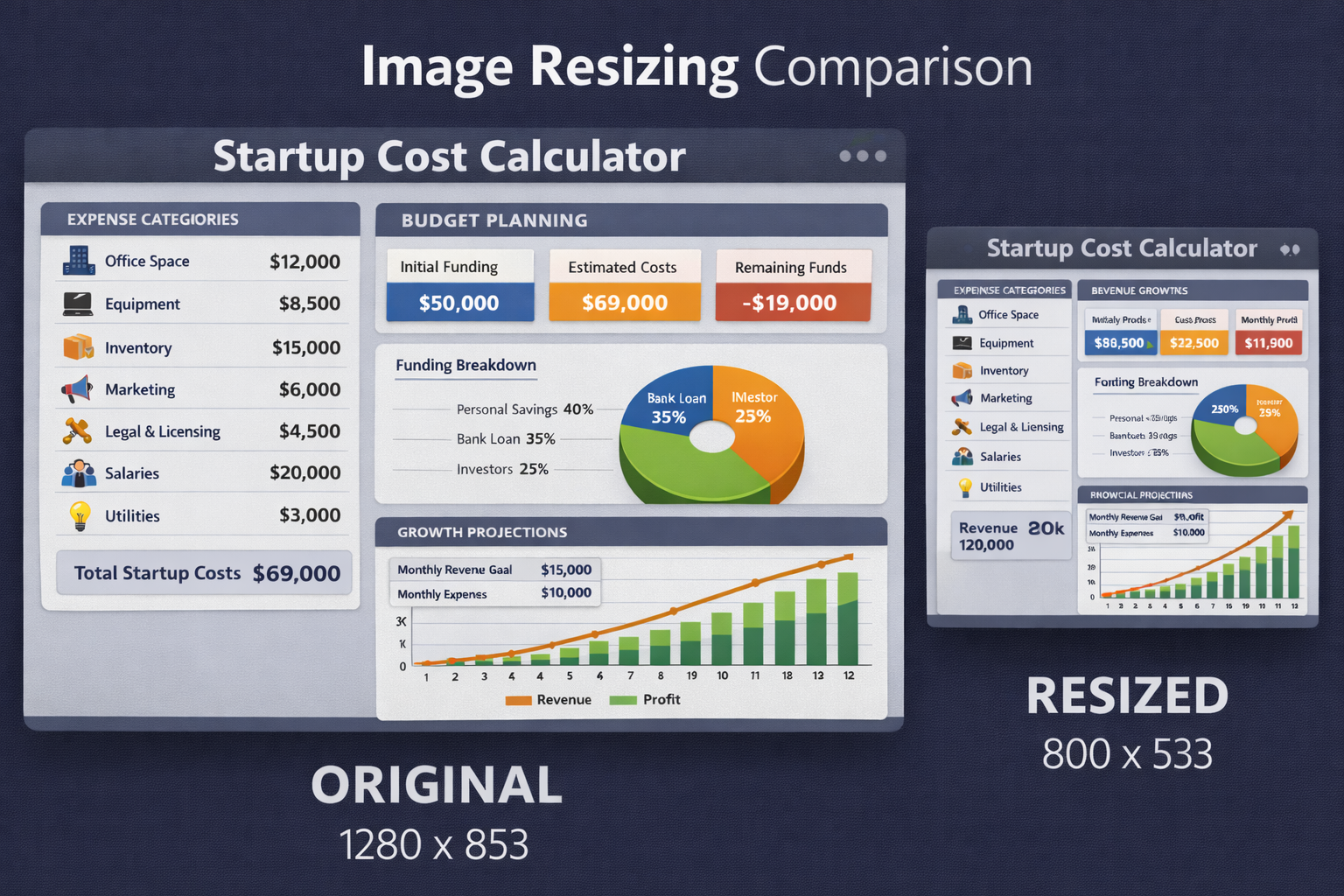
Images are used everywhere in the digital world, from websites and mobile apps to social media platforms and marketing campaigns. Each platform has its own image size requirements, and uploading images with incorrect dimensions can lead to poor visual quality, awkward cropping, or slow loading times. Manually resizing images using complex software can be time-consuming and intimidating for non-designers.
The Image Resizer is designed to make image resizing simple, fast, and accessible to everyone. It allows users to resize images by specifying exact width and height values, percentages, or preset dimensions while maintaining image clarity. By preserving aspect ratio and using high-quality resizing algorithms, the tool ensures that resized images remain sharp, professional, and ready for use across different platforms.
📐 Image Resizer (Tool)
Table of Contents
⚡ Quick Summary
The Image Resizer allows users to resize images online quickly without compromising quality. It supports precise dimension control and aspect ratio locking, making it ideal for both beginners and professionals.
Whether you need images for websites, social media, emails, or apps, this tool ensures your visuals meet size requirements while staying sharp and optimized.
Key takeaways
- Resize images instantly
- Maintain image quality
- Lock aspect ratio
- No design skills required
- Free and browser-based
📖 What Is This Tool?
The Image Resizer is an online utility that allows users to change image dimensions easily. Instead of complex editing software, users can simply upload an image, define the desired size, and download the resized version.
It uses optimized scaling algorithms to ensure that resized images retain clarity and proportion. This makes it suitable for professional use cases such as web development, marketing, and design.
Tool Definition
- Online image resizing
- Pixel and percentage resizing
- Aspect ratio preservation
- High-quality output
- Fast processing
🎯 Who This Tool Is For
The Image Resizer is ideal for designers, marketers, developers, bloggers, and business owners who regularly work with images. It is especially useful for users who need quick results without advanced editing knowledge.
Agencies and teams can also rely on this tool to maintain consistency across visual assets while meeting platform-specific size requirements.
Ideal Users & Customer Profiles
- Web developers
- Designers
- Digital marketers
- Content creators
- Business owners
😖 Core Pain Points This Tool Solves
Incorrect image dimensions can result in stretched or pixelated visuals that negatively impact brand perception. Many users struggle with resizing images without losing quality or maintaining aspect ratio.
Traditional image editing tools can be overwhelming, especially for quick resizing tasks. This creates friction and slows down workflows.
Problems Users Face
- Distorted images
- Pixelation issues
- Complex software
- Time-consuming edits
- Incorrect dimensions
- Inconsistent results
- Workflow delays
✅ How This Guide Solves Those Pain Points
The Image Resizer simplifies resizing by providing an intuitive interface and automated quality preservation. Users no longer need to worry about distortion or pixel loss.
By offering precise control and instant results, the tool removes friction from image preparation tasks.
How This Content Helps
- Easy resizing process
- Aspect ratio lock
- Consistent quality
- Fast results
- Beginner friendly
- Reduced errors
- Improved efficiency
💡 Why Use This Tool
Resizing images correctly ensures professional-looking visuals and faster loading times.
This tool provides a reliable, fast, and free solution for resizing images online.
Value Proposition
- High-quality resizing
- No learning curve
- Fast performance
- Free to use
- Cross-platform support
⏰ When to Use This Tool
Use the Image Resizer when preparing images for websites, social media, emails, or applications.
It is also useful during redesigns, migrations, and performance optimization.
Best Use Scenarios
- Website uploads
- Social media posts
- Email campaigns
- App development
- Content optimization
🛠️ How to Use This Tool
Upload your image into the Image Resizer.
Enter the desired dimensions or percentage and download the resized image.
Usage Steps
- Upload image
- Set dimensions
- Lock aspect ratio
- Preview result
- Download resized image
🏆 Benefits of Using This Tool
Resized images improve visual consistency and loading performance.
This tool ensures accurate and high-quality resizing every time.
Key Advantages
- Precise resizing
- No quality loss
- Aspect ratio control
- Fast processing
- Free access
- Easy to use
- Consistent output
- Professional results
- Cross-device support
- Production ready
🔒 Privacy, Security
Images are processed securely and are not stored permanently.
The tool follows a strict privacy-first approach.
No personal data or images are tracked or shared.
Your Data Safety
- No image storage
- Secure processing
- No tracking
- Anonymous usage
- Privacy focused
- Trusted platform
Also Known As
Alternative names and related search terms.
FAQs
What is an Image Resizer?
It is a tool that changes image dimensions without losing quality.
Does resizing reduce image quality?
No noticeable quality loss when done correctly.
Is this tool free?
Yes, it is completely free.
Can I lock aspect ratio?
Yes, aspect ratio locking is supported.
Which formats are supported?
Common formats like JPG, PNG, and WebP.
Are images stored?
No, images are not stored.
Can beginners use it?
Yes, it is beginner friendly.
Does it work on mobile?
Yes, it is mobile compatible.
Is signup required?
No signup required.
Can I resize for social media?
Yes, ideal for social media sizes.
Does it support batch resizing?
Planned for future updates.
Is it fast?
Yes, resizing is instant.
Can I resize by percentage?
Yes, percentage-based resizing is supported.
Does it change file size?
Yes, resized images often have optimized file sizes.
Is it secure?
Yes, privacy focused.
Can developers use it?
Yes, suitable for developers.
Does it preserve quality?
Yes, high-quality output is maintained.
Is it browser based?
Yes, works in the browser.
Can I use it for websites?
Yes, perfect for web images.
Who should use this tool?
Anyone needing fast and accurate image resizing.
🔧 Other Image Tools
🗂️ Tool Categories
No categories available