📘 Introduction
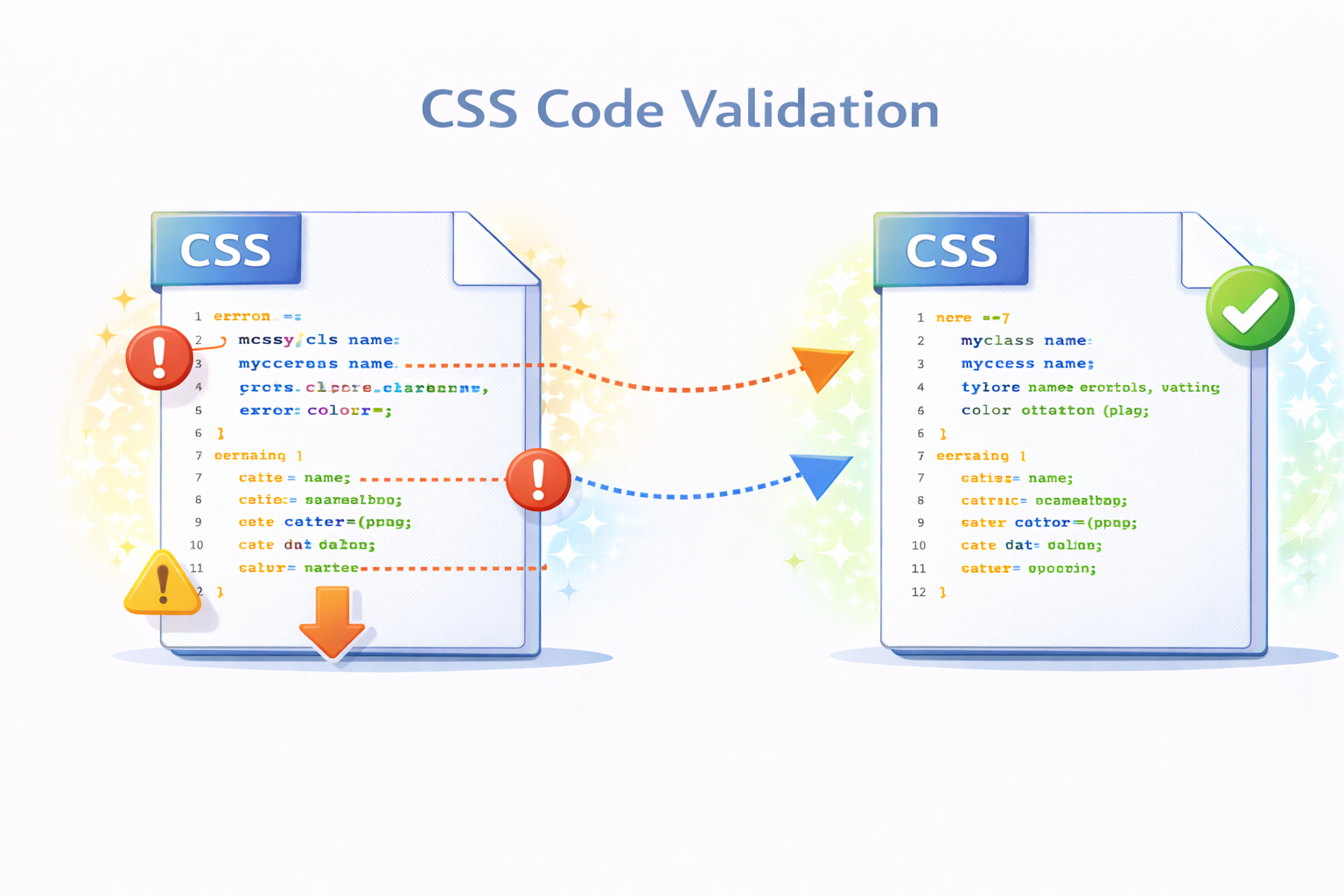
CSS is a foundational technology for modern web design, controlling layout, colors, typography, and responsiveness. However, even small syntax errors or unsupported properties can cause styles to break across browsers. Invalid CSS can lead to inconsistent layouts, rendering bugs, and poor user experience, especially on different devices and screen sizes.
The CSS Validator helps developers detect these issues early by scanning stylesheets for syntax errors, deprecated properties, and standards violations. By validating CSS before deployment, teams can ensure cleaner code, better browser compatibility, and adherence to best practices recommended by web standards organizations.
✅ CSS Validator (Tool)
Check your CSS code for common syntax and structural issues.
Table of Contents
⚡ Quick Summary
The CSS Validator scans your stylesheets and highlights errors, warnings, and non-standard code.
It helps developers deliver reliable, maintainable, and standards-compliant CSS.
Key takeaways
- Detects CSS errors
- Highlights warnings
- Standards compliant
- Easy to use
- Free online tool
📖 What Is This Tool?
The CSS Validator is an online utility that checks CSS code against syntax rules and web standards.
It identifies invalid properties, incorrect values, and deprecated syntax that may cause issues in browsers.
Tool Definition
- Validates CSS syntax
- Detects errors
- Flags warnings
- Checks standards compliance
- Improves reliability
🎯 Who This Tool Is For
The CSS Validator is designed for frontend developers, web designers, and QA engineers who want error-free stylesheets.
Agencies and businesses maintaining large websites rely on validation to ensure consistent behavior across browsers.
Ideal Users & Customer Profiles
- Frontend developers
- Web designers
- QA engineers
- SEO professionals
- Digital agencies
😖 Core Pain Points This Tool Solves
CSS errors often go unnoticed until they break layouts in specific browsers or devices.
Manual inspection of large stylesheets is inefficient and unreliable.
Problems Users Face
- Hidden CSS errors
- Cross-browser issues
- Deprecated properties
- Time-consuming debugging
- Inconsistent layouts
- Maintenance challenges
- Poor user experience
✅ How This Guide Solves Those Pain Points
The CSS Validator automatically scans stylesheets and pinpoints exact error locations.
This allows developers to fix issues quickly and confidently.
How This Content Helps
- Automated error detection
- Clear error messages
- Standards-based checks
- Faster debugging
- Improved code quality
- Reduced risk
- Reliable validation
💡 Why Use This Tool
Valid CSS ensures consistent rendering across browsers and devices.
This tool helps maintain professional, standards-compliant stylesheets.
Value Proposition
- Cleaner code
- Fewer bugs
- Better compatibility
- Professional quality
- Easy to use
⏰ When to Use This Tool
Use the CSS Validator before launching or updating websites.
It is also useful during audits, refactoring, and debugging sessions.
Best Use Scenarios
- Before deployment
- During refactoring
- Cross-browser testing
- SEO audits
- Code reviews
🛠️ How to Use This Tool
Paste your CSS code into the validator input field.
Run validation to receive detailed error and warning reports.
Usage Steps
- Paste CSS code
- Click validate
- Review errors
- Fix issues
- Revalidate if needed
🏆 Benefits of Using This Tool
Validated CSS improves reliability and reduces unexpected styling issues.
This tool ensures long-term maintainability of stylesheets.
Key Advantages
- Error-free CSS
- Improved compatibility
- Standards compliance
- Better UX
- Faster debugging
- Professional output
- Free usage
- No signup
- Accurate reporting
- Developer trusted
🔒 Privacy, Security
CSS code is processed in real time and never stored on servers.
No tracking or logging ensures complete privacy.
The tool follows a privacy-first approach.
Your Data Safety
- No data storage
- No tracking
- Secure processing
- Anonymous usage
- Privacy focused
- Trusted by professionals
Also Known As
Alternative names and related search terms.
FAQs
What is a CSS Validator?
It checks CSS code for errors, warnings, and standards compliance.
Why should I validate CSS?
Validation prevents layout issues and improves compatibility.
Does validation change my CSS?
No, it only reports issues.
Is this tool free?
Yes, completely free.
Is my CSS stored?
No, code is not stored.
Does it support modern CSS?
Yes, modern CSS is supported.
Does it check browser compatibility?
It highlights non-standard and deprecated rules.
Is signup required?
No signup required.
Can beginners use it?
Yes, beginner friendly.
Does it highlight warnings?
Yes, both errors and warnings are shown.
Is it fast?
Yes, instant validation.
Can agencies use it?
Yes, ideal for agencies.
Does it work online?
Yes, browser based.
Does it improve SEO?
Indirectly, by improving site quality.
Is it accurate?
Yes, standards-based validation.
Does it replace testing?
No, but it complements testing.
Can I validate large files?
Yes, large stylesheets are supported.
Does it remove errors automatically?
No, it reports errors for you to fix.
Is it secure?
Yes, privacy focused.
Who should use it?
Developers, designers, and QA teams.
🔧 Other Web Development Tools
🗂️ Tool Categories
No categories available