📘 Introduction
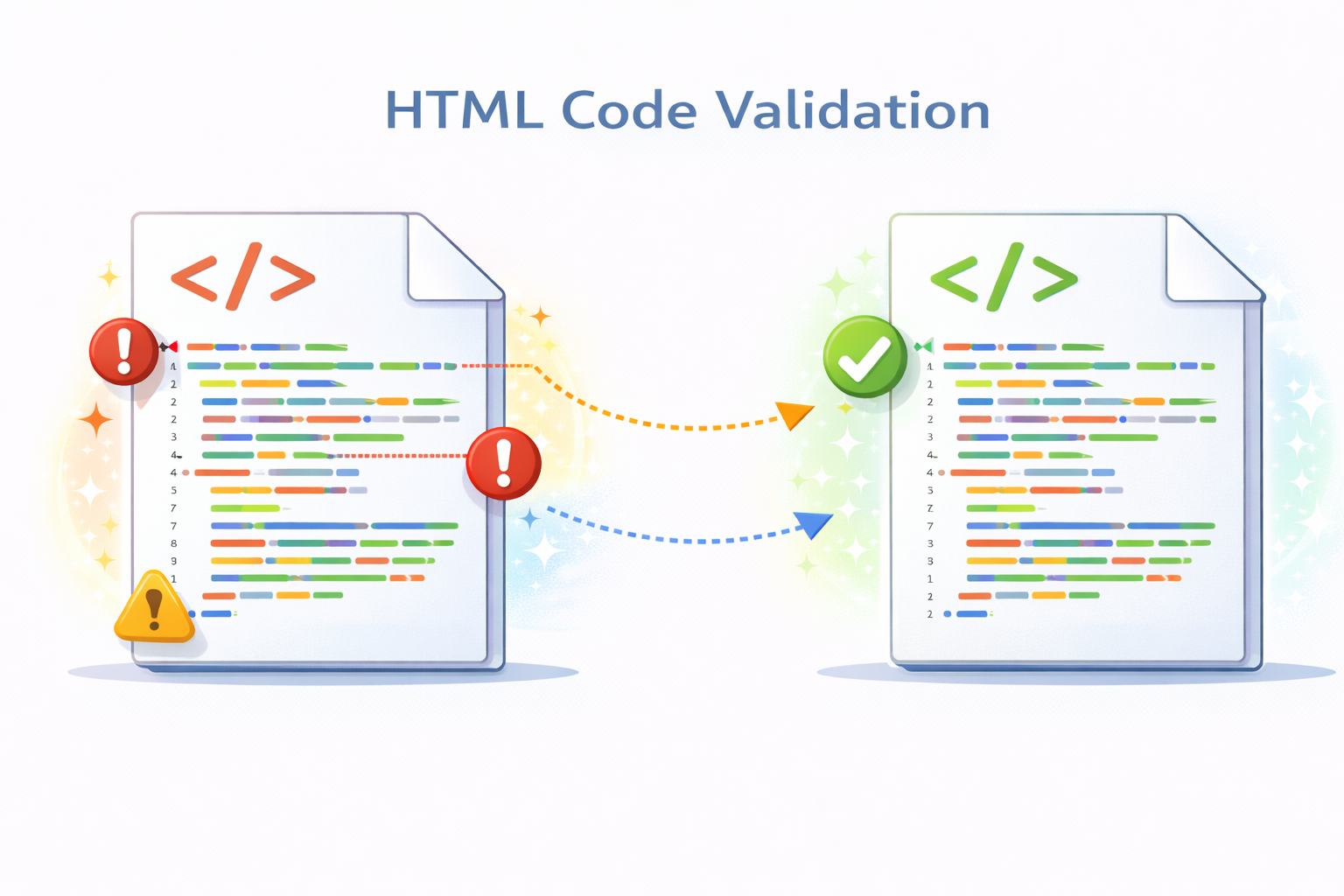
HTML validation is the process of checking HTML code against defined standards to ensure that it is syntactically correct and follows best practices. Invalid HTML can cause rendering issues, accessibility problems, and inconsistent behavior across browsers and devices. Even small errors such as missing closing tags or incorrect attribute usage can lead to layout breaks or unexpected behavior.
The HTML Validator tool helps developers, SEO professionals, and website owners quickly identify errors and warnings in their markup. By validating HTML before deployment, you ensure cleaner code, better browser compatibility, improved accessibility, and a more reliable user experience.
✅ HTML Validator (Tool)
Check your HTML for common structural issues like missing or mismatched tags.
Table of Contents
⚡ Quick Summary
Valid HTML is essential for reliable websites, consistent rendering, and long-term maintainability. This tool allows you to instantly analyze your HTML code and uncover errors or warnings that may affect performance or usability.
By using the HTML Validator regularly, you can catch issues early in development and ensure your pages meet modern web standards.
Key takeaways
- Instant HTML error detection
- W3C-aligned validation logic
- Improves website quality
- Easy to use
- No installation required
📖 What Is This Tool?
The HTML Validator is an online tool that analyzes HTML code and checks it against standard HTML specifications. It highlights syntax errors, deprecated elements, invalid attributes, and structural problems.
This tool is designed to help users ensure that their markup follows best practices and renders correctly across different browsers and devices.
Tool Definition
- Validates HTML syntax
- Detects errors and warnings
- Checks standards compliance
- Improves code quality
- Supports modern HTML
🎯 Who This Tool Is For
The HTML Validator is built for anyone who creates or manages web content. From beginners learning HTML to experienced developers maintaining large codebases, validation helps ensure reliability.
SEO specialists, accessibility auditors, and web agencies also rely on HTML validation to deliver high-quality websites to clients.
Ideal Users & Customer Profiles
- Web developers
- Frontend engineers
- SEO professionals
- Web designers
- Students and learners
😖 Core Pain Points This Tool Solves
Invalid HTML can cause unpredictable layout issues, browser inconsistencies, and accessibility failures. Many of these issues are difficult to debug manually, especially in large projects.
Without proper validation, errors may go unnoticed until they affect users or search engine crawling.
Problems Users Face
- Hidden HTML errors
- Broken layouts
- Browser incompatibility
- Accessibility issues
- SEO performance problems
- Manual debugging effort
- Unclear error sources
✅ How This Guide Solves Those Pain Points
The HTML Validator automatically scans your code and highlights specific lines where errors or warnings occur. This removes guesswork and speeds up debugging.
By providing clear feedback, the tool helps you fix issues efficiently and maintain higher code quality.
How This Content Helps
- Automated error detection
- Clear validation messages
- Faster debugging
- Improved reliability
- Better standards compliance
- Reduced manual effort
- Higher code confidence
💡 Why Use This Tool
Valid HTML is the foundation of a stable and accessible website. This tool helps ensure your markup meets industry standards.
Using an HTML Validator reduces long-term maintenance costs and improves overall website quality.
Value Proposition
- Improves website stability
- Enhances accessibility
- Boosts SEO readiness
- Easy to use
- Free and fast
⏰ When to Use This Tool
HTML validation should be part of every development workflow. Running validation before publishing helps avoid production issues.
It is also useful when auditing existing websites or debugging rendering problems.
Best Use Scenarios
- Before website launch
- During development
- SEO audits
- Accessibility reviews
- Bug fixing
🛠️ How to Use This Tool
Paste your HTML code into the validator input area.
Click the validate button to instantly receive error and warning feedback.
Usage Steps
- Paste HTML code
- Run validation
- Review errors
- Fix issues
- Revalidate code
🏆 Benefits of Using This Tool
Using an HTML Validator ensures your markup is clean, reliable, and future-proof. This leads to fewer bugs and better user experiences.
Validated HTML also supports accessibility standards and SEO best practices.
Key Advantages
- Error-free HTML
- Better browser support
- Improved accessibility
- SEO friendly markup
- Time saving
- Developer confidence
- Beginner friendly
- Free to use
- Accurate feedback
- Reliable output
🔒 Privacy, Security
Your HTML code is processed securely and is not stored on servers.
No tracking or logging ensures complete privacy.
The tool is designed with a privacy-first mindset.
Your Data Safety
- No data storage
- No tracking
- Secure processing
- Anonymous usage
- Privacy focused
- Trusted workflow
Also Known As
Alternative names and search terms.
FAQs
What is an HTML Validator?
It checks HTML code for errors and standards compliance.
Why is HTML validation important?
It ensures proper rendering, accessibility, and SEO.
Is this tool free?
Yes, it is completely free.
Does it follow W3C standards?
Yes, it aligns with standard HTML specifications.
Is my code stored?
No, your code is not stored.
Can beginners use it?
Yes, it is beginner friendly.
Does it find warnings?
Yes, it shows errors and warnings.
Can it improve SEO?
Valid HTML supports SEO best practices.
Does it support large files?
Yes, large HTML files are supported.
Is it safe?
Yes, privacy focused and secure.
Can developers use it?
Yes, ideal for developers.
Does it work online?
Yes, no installation required.
Does it detect deprecated tags?
Yes, it highlights deprecated elements.
Can I revalidate after fixing?
Yes, revalidation is supported.
Does it support modern HTML?
Yes, it supports modern HTML standards.
Does it help accessibility?
Yes, valid HTML improves accessibility.
Is it fast?
Yes, validation is instant.
Can it catch nesting errors?
Yes, structural errors are detected.
Does it require signup?
No signup required.
Is it suitable for production?
Yes, it is production ready.
🔧 Other Web Development Tools
🗂️ Tool Categories
No categories available