📘 Introduction
Why malware scanning is essential in today’s digital world.
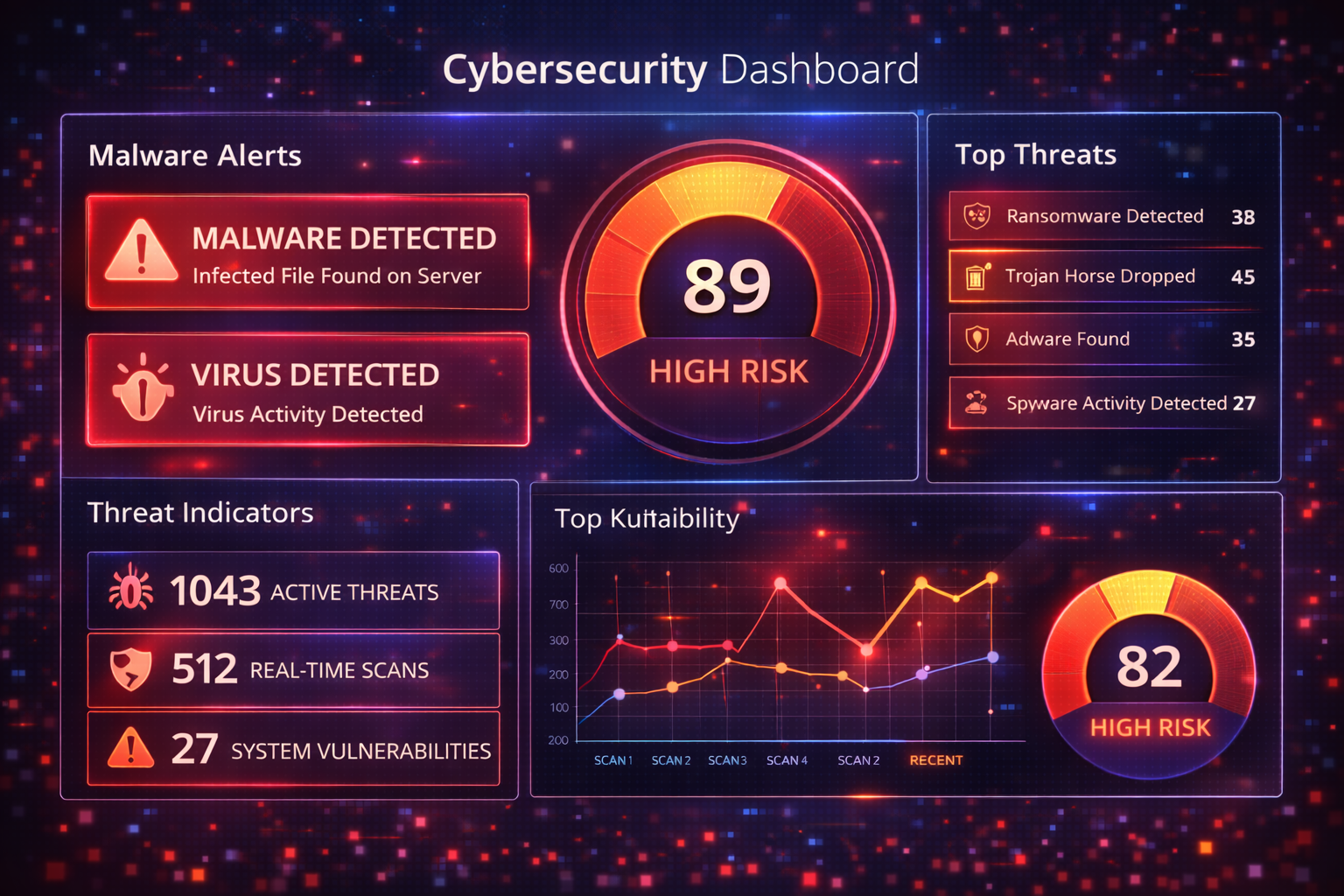
Malware is one of the most dangerous cyber threats affecting websites, computers, and online systems today. It includes viruses, trojans, ransomware, spyware, and malicious scripts that can steal data, damage systems, or give attackers unauthorized access. Malware infections often remain hidden, silently compromising security until severe damage occurs.
A Malware Scan Tool helps identify malicious code early by scanning files, URLs, and websites for known malware signatures and suspicious behavior patterns. Regular malware scanning is critical for preventing data loss, protecting users, and maintaining trust with customers and search engines.
🦠 Malware Scan Tool (Tool)
Scan a website or domain for possible malware infections and suspicious activity.
Table of Contents
⚡ Quick Summary
Key benefits of malware scanning.
The Malware Scan Tool provides fast and accurate detection of malicious code, viruses, and security threats. It scans files or websites in seconds and highlights risks clearly for immediate action.
Designed for both beginners and professionals, the tool offers a safe, privacy-focused way to detect malware without storing uploaded files or sensitive information.
Key Takeaways
- Fast malware detection
- Supports file and website scans
- Privacy-first scanning
- Easy-to-read reports
- No installation required
📖 What Is This Tool?
Definition of malware scanning.
The Malware Scan Tool is a cybersecurity solution that analyzes files, URLs, or websites to detect malicious software and code patterns. It compares scan results against updated malware databases and threat intelligence feeds.
The tool does not execute files, making it safe to use, and provides detection results without exposing user data.
Tool Definition
- Detects malware and viruses
- Analyzes suspicious code
- Uses updated threat databases
- Safe, non-executing scans
- User-friendly interface
🎯 Who This Tool Is For
Ideal users of the malware scanner.
This tool is ideal for website owners, system administrators, developers, and everyday users who want to ensure their files and websites are free from malware.
Businesses, agencies, and security teams can use it as part of routine security audits and incident response.
Ideal Users
- Website owners
- Developers and IT teams
- Digital agencies
- Small businesses
- Security professionals
😖 Core Pain Points This Tool Solves
Problems caused by undetected malware.
Many users remain unaware of malware infections until websites are hacked, data is stolen, or systems slow down dramatically.
Manual malware detection requires technical expertise, making automated tools essential.
Problems Solved
- Hidden malware infections
- Slow or compromised websites
- Data theft risks
- Manual security checks
- Delayed threat detection
✅ How This Tool Solves Those Pain Points
How malware scanning helps.
The Malware Scan Tool automates detection, eliminating guesswork and manual analysis.
Clear results and threat indicators help users take immediate corrective actions.
How It Helps
- Automated malware detection
- Quick scan results
- Clear threat indicators
- Actionable recommendations
- Improved system security
💡 Why Use This Tool
Value of malware scanning.
Early malware detection prevents serious security incidents.
This tool offers fast, reliable scanning without complex setup.
Value Proposition
- Proactive protection
- Easy to use
- Fast results
- Secure scanning
- Cost-effective security
⏰ When to Use This Tool
Best times to scan.
Scan regularly as part of security maintenance.
Use immediately if suspicious behavior is detected.
Best Use Scenarios
- After uploading new files
- After website updates
- When site performance drops
- After phishing incidents
- Routine security audits
🛠️ How to Use This Tool
Step-by-step guide.
Upload a file or enter a website URL.
Start the scan and review results.
Usage Steps
- Upload file or URL
- Start scan
- Review results
- Remove threats
- Re-scan for confirmation
🏆 Benefits of Using This Tool
Advantages of malware scanning.
Regular malware scans improve overall digital safety.
They reduce long-term risks and recovery costs.
Key Benefits
- Early threat detection
- Improved website trust
- Reduced downtime
- Lower risk exposure
- Peace of mind
🔒 Privacy, Security
Data safety practices.
Files are not stored after scanning.
All scans follow strict privacy guidelines.
Trust & Security
- No data storage
- Encrypted scanning
- GDPR compliant
- Secure infrastructure
- Transparent policies
Also Known As
FAQs
What is malware?
Malware is malicious software designed to harm systems.
Is this tool safe?
Yes, it does not execute files.
Does it remove malware?
It detects malware and provides guidance.
Is it free?
Basic scans are free.
Does it scan websites?
Yes, website scanning is supported.
Does it scan files?
Yes, file uploads are supported.
Is my data stored?
No data is stored.
How fast is the scan?
Scans complete in seconds.
Can businesses use it?
Yes, suitable for businesses.
Does it detect ransomware?
Yes, known ransomware patterns are detected.
Is registration required?
No registration required.
Does it affect performance?
No system impact.
How accurate is it?
Uses updated threat databases.
Can it prevent malware?
It helps detect threats early.
Does it support multiple files?
Yes, supported based on limits.
Is it legal to scan files?
Yes, for your own data.
Does it check scripts?
Yes, suspicious scripts are analyzed.
Is support available?
Yes, help documentation is available.
Does it replace antivirus?
It complements antivirus software.
Can agencies use it?
Yes, agencies benefit greatly.
🔧 Other Security And Privacy Tools
🗂️ Tool Categories
No categories available