📘 Introduction
Understanding phishing threats and malicious URLs.
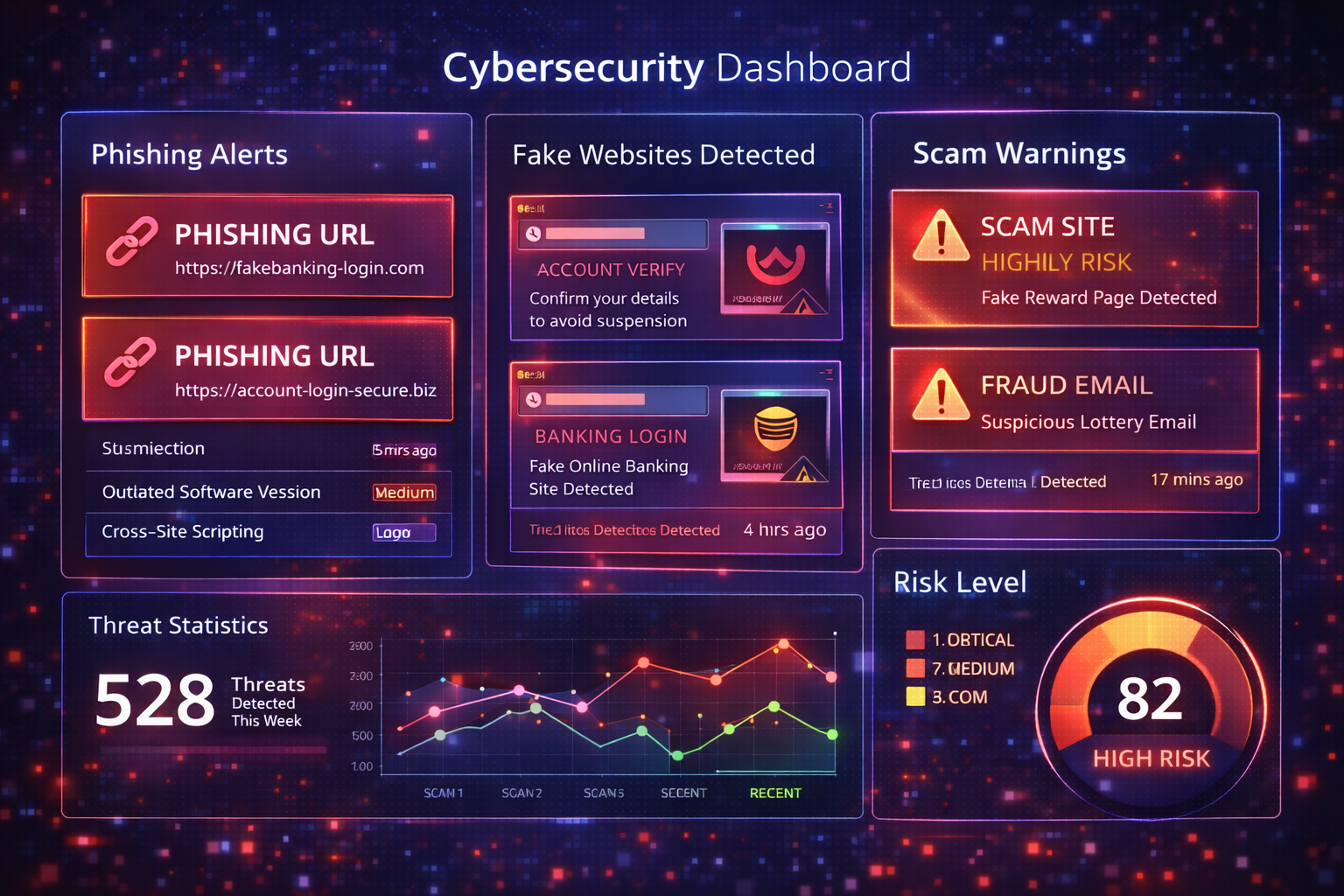
Phishing attacks are one of the most common and dangerous forms of cybercrime today. Cybercriminals use deceptive URLs and fake websites to trick users into revealing sensitive information such as login credentials, credit card numbers, and personal details. These malicious links are often disguised as legitimate websites, emails, or messages from trusted brands, making them extremely difficult to identify without proper tools.
A Phishing URL Checker helps users verify whether a link is safe before clicking it. By analyzing domain reputation, URL structure, hosting patterns, and known threat databases, the tool provides instant insights into whether a URL is legitimate or potentially harmful. This proactive approach significantly reduces the risk of identity theft, financial fraud, and account compromise.
🎣 Phishing URL Checker (Tool)
Table of Contents
⚡ Quick Summary
Key benefits of using a phishing URL checker.
The Phishing URL Checker instantly analyzes any link to determine whether it is safe or malicious. It checks against multiple threat intelligence sources and evaluates suspicious patterns commonly used in phishing attacks.
The tool is designed for everyday users, professionals, and businesses who want fast, reliable protection without technical complexity.
Key Takeaways
- Instant URL safety check
- Detects phishing and scam links
- Privacy-safe analysis
- Easy to use
- No installation required
📖 What Is This Tool?
Definition of phishing URL checking.
The Phishing URL Checker is a cybersecurity tool that evaluates URLs for indicators of phishing, scams, and malicious intent. It compares submitted links against known phishing databases and analyzes structural and behavioral signals.
The tool does not visit the URL directly, ensuring safe analysis without exposing the user to potential threats.
Tool Definition
- Detects phishing URLs
- Analyzes domain reputation
- Uses threat intelligence feeds
- Safe, non-click analysis
- Clear risk assessment
🎯 Who This Tool Is For
Ideal users of the phishing checker.
This tool is ideal for individuals who receive suspicious emails, messages, or links and want to verify safety before clicking.
Businesses, customer support teams, and IT professionals can also use it to protect employees and customers from phishing attacks.
Ideal Users
- Everyday internet users
- Remote workers
- Businesses and enterprises
- IT and security teams
- Customer support teams
😖 Core Pain Points This Tool Solves
Problems caused by phishing links.
Phishing URLs are designed to look legitimate, making it difficult for users to identify threats manually.
A single wrong click can lead to account compromise, financial loss, or malware infection.
Problems Solved
- Inability to identify fake links
- Risk of credential theft
- Exposure to malware
- Financial fraud
- Loss of trust and security
✅ How This Tool Solves Those Pain Points
How phishing detection helps.
The tool automatically analyzes URLs using multiple security checks, eliminating guesswork.
Users receive clear results indicating whether a link is safe or risky.
How It Helps
- Automated URL analysis
- Threat intelligence integration
- Clear safety indicators
- Fast results
- Reduced human error
💡 Why Use This Tool
Value proposition.
Phishing attacks are increasing every year, making manual detection unreliable.
This tool offers fast, reliable protection for everyone.
Value Proposition
- Proactive protection
- Easy to use
- Reliable detection
- Privacy-first design
- Free basic access
⏰ When to Use This Tool
Best times to check URLs.
Use this tool whenever you receive a suspicious email, SMS, or message with a link.
It is also useful before sharing links with customers or colleagues.
Best Use Scenarios
- Suspicious emails
- Unknown SMS links
- Social media messages
- Before clicking shortened URLs
- Before sharing links
🛠️ How to Use This Tool
Step-by-step guide.
Paste the suspicious URL into the checker input field.
Run the scan and review the safety result.
Usage Steps
- Copy URL
- Paste into checker
- Start analysis
- Review results
- Avoid unsafe links
🏆 Benefits of Using This Tool
Advantages of phishing detection.
The tool helps users browse the internet safely.
It reduces exposure to online scams and fraud.
Key Benefits
- Reduced phishing risk
- Improved online safety
- Instant threat detection
- Peace of mind
- Better security awareness
🔒 Privacy, Security
User data protection.
Submitted URLs are not stored permanently.
The tool follows strict privacy and security standards.
Trust & Security
- No URL storage
- Encrypted processing
- GDPR compliant
- Secure infrastructure
- Transparent policies
Also Known As
FAQs
What is phishing?
Phishing is a cyber attack that tricks users into revealing sensitive information.
Is this tool safe to use?
Yes, it analyzes URLs without visiting them.
Does it store URLs?
No, URLs are not stored.
Is it free?
Basic checks are free.
Can it detect scam links?
Yes, scam links are detected.
Does it check shortened URLs?
Yes, shortened URLs are analyzed.
Is it accurate?
Uses trusted threat intelligence sources.
Can businesses use it?
Yes, businesses benefit greatly.
Does it detect malware links?
Yes, malicious links are flagged.
Is registration required?
No registration required.
Does it check email links?
Yes, email links can be checked.
How fast is the check?
Results are instant.
Does it prevent phishing?
It helps detect threats early.
Is it legal to use?
Yes, checking URLs is legal.
Does it affect browsing?
No impact on browsing.
Can I share results?
Yes, results can be shared.
Does it work worldwide?
Yes, it uses global threat data.
Is my identity protected?
Yes, no personal data is stored.
Does it support mobile?
Yes, mobile-friendly.
Is support available?
Yes, help documentation is available.
🔧 Other Security And Privacy Tools
🗂️ Tool Categories
No categories available