📘 Introduction
Why character count matters in modern content creation.
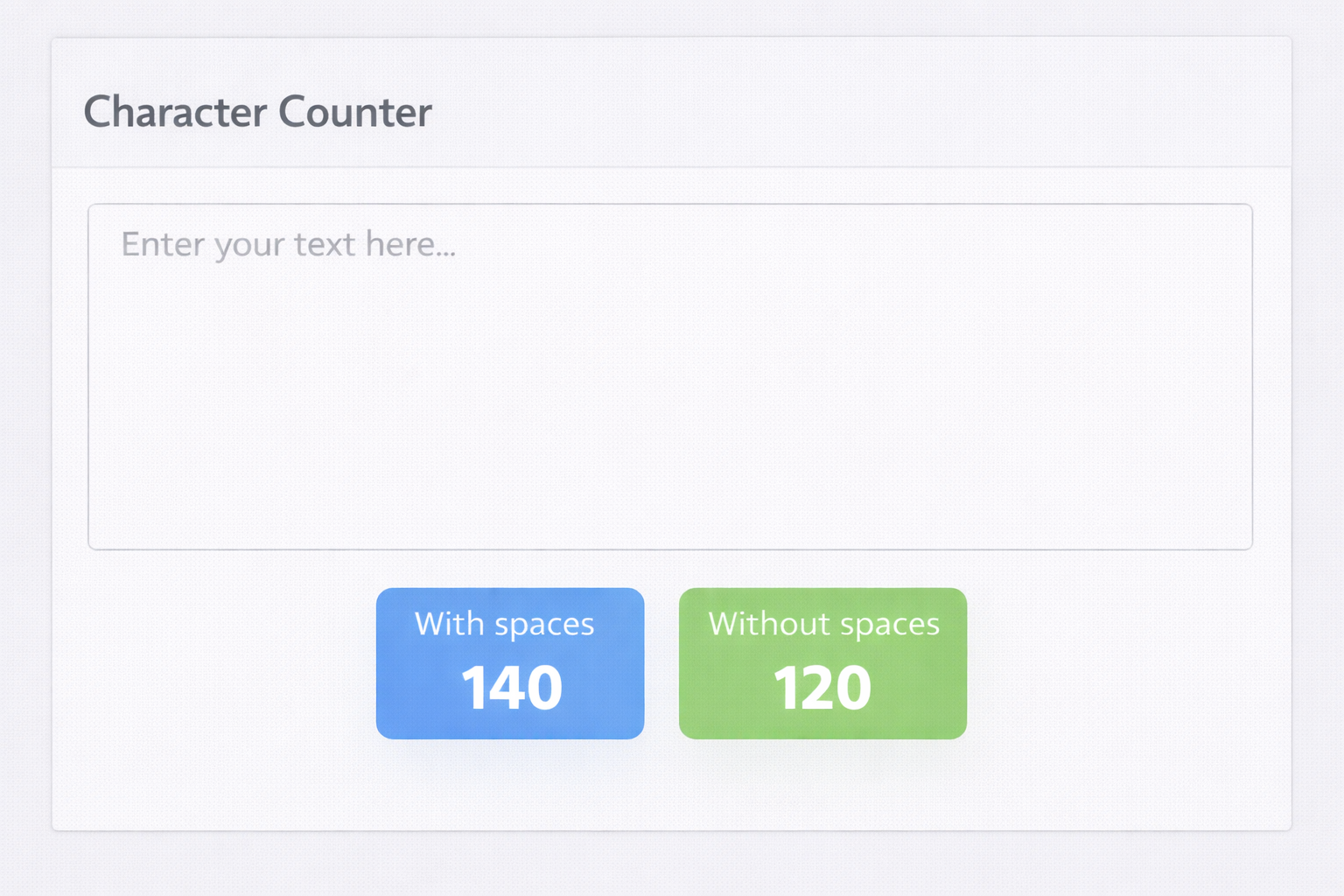
Character limits are everywhere in digital communication, from social media posts to SEO metadata and online forms. Knowing the exact number of characters ensures your message fits platform requirements without being cut off.
The Character Counter tool provides instant and accurate character counts with and without spaces. It removes guesswork and helps writers, marketers, and students focus on clarity rather than manual counting.
🔠 Character Counter (Tool)
Instantly analyze characters, words, spaces, and lines for social media, SEO, and content limits.
Table of Contents
- Introduction
- Tool :- Character Counter
- Quick Summary / Key Takeaways
- What Is This Tool?
- Who This Tool Is For (Persona & ICP)
- Core Pain Points This Tool Solves
- How This Guide Solves Those Pain Points
- Why Use This Tool
- When to Use This Tool
- How to Use This Tool (Step-by-Step)
- Benefits of Using This Tool
- Privacy, Security & Trust Signals
- FAQ
- Also Known As
⚡ Quick Summary / Key Takeaways
The Character Counter instantly calculates characters with spaces and without spaces as you type or paste text.
It is fast, accurate, and designed for everyday writing and professional content workflows.
Key Takeaways
- Real-time results
- With and without spaces
- Simple interface
- Free to use
- No registration
📖 What Is This Tool?
The Character Counter is an online text analysis tool that measures the exact number of characters in a given text.
It supports both character counts with spaces and without spaces, making it useful across different platforms.
Tool Definition
- Counts characters
- With spaces
- Without spaces
- Instant analysis
- Accurate results
🎯 Who This Tool Is For (Persona & ICP)
This tool is designed for anyone who needs to manage strict character limits.
It is widely used across education, marketing, and professional writing.
Ideal Users & Customer Profiles
- Students
- Copywriters
- SEO professionals
- Social media managers
- Content creators
😖 Core Pain Points This Tool Solves
Many platforms enforce strict character limits that are easy to exceed unintentionally.
Manual counting is inefficient and error-prone.
Problems Users Face
- Text truncation
- Manual counting errors
- Time loss
- Unclear limits
- Editing frustration
- Inconsistent results
- Submission failures
✅ How This Guide Solves Those Pain Points
This guide explains how to monitor character limits effectively using the tool.
Accurate counts reduce rework and improve efficiency.
How This Content Helps
- Instant feedback
- Accurate metrics
- Reduced rework
- Better planning
- Efficient editing
- Clear limits
- Improved workflow
💡 Why Use This Tool
The Character Counter ensures your content always meets platform requirements.
Its simplicity makes it accessible to all users.
Value Proposition
- Fast results
- High accuracy
- Easy to use
- Multiple metrics
- Free access
⏰ When to Use This Tool
Use this tool before publishing or submitting content.
It is ideal whenever character limits apply.
Best Use Scenarios
- Social media posts
- SEO meta descriptions
- Form inputs
- SMS messages
- Ad copy
🛠️ How to Use This Tool (Step-by-Step)
Paste or type your text into the input area.
View character counts instantly.
Usage Steps
- Paste text
- Check characters with spaces
- Check characters without spaces
- Edit text
- Finalize content
🏆 Benefits of Using This Tool
Knowing exact character counts improves confidence and content quality.
It helps avoid last-minute edits and rejections.
Key Advantages
- Accurate counts
- Real-time updates
- Better compliance
- Time-saving
- Easy editing
- Improved productivity
- Platform-ready content
- Free usage
- No tracking
- Simple interface
🔒 Privacy, Security & Trust Signals
Your text is processed locally and not stored.
Privacy and security are core principles.
Your Data Safety
- No data storage
- No tracking
- No login required
- Secure usage
- Privacy-first design
- Transparent operation
Also Known As
Alternative names and related keywords.
FAQs
What does the Character Counter measure?
It measures characters with and without spaces.
Is this tool free?
Yes, it is completely free to use.
Does it count spaces?
Yes, spaces can be included or excluded.
Is my text saved?
No, your text is not stored.
Is it useful for SEO?
Yes, it is ideal for meta titles and descriptions.
🔧 Other Text And Content Tools
🗂️ Tool Categories
No categories available